

Minelab Vanquish 60 Series settings.
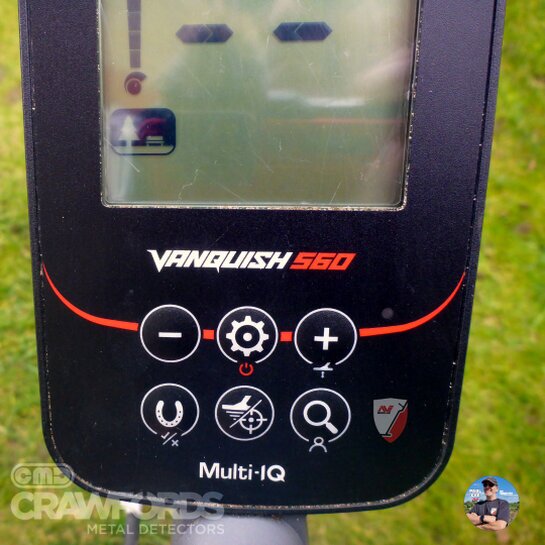
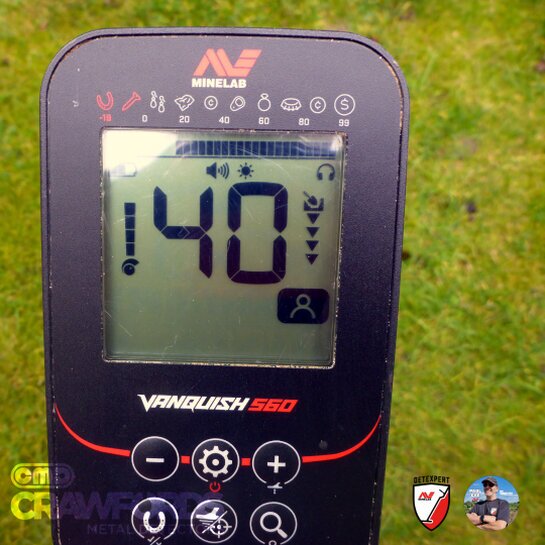
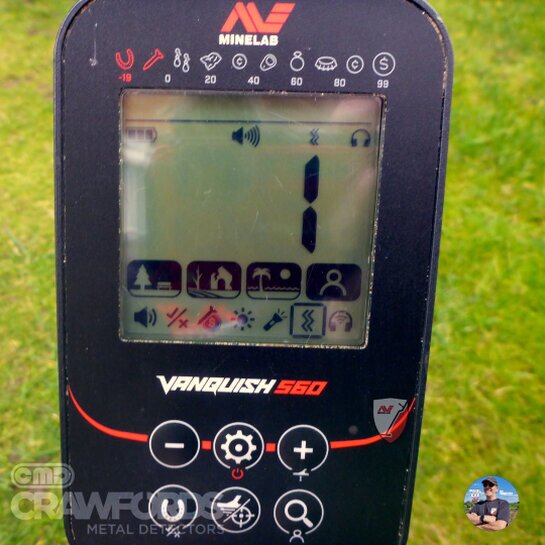
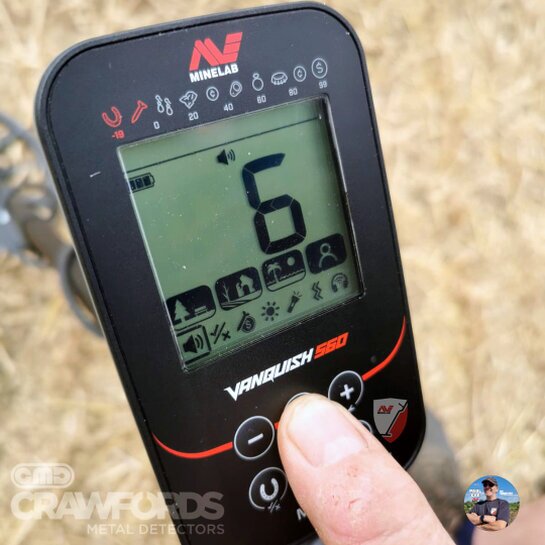
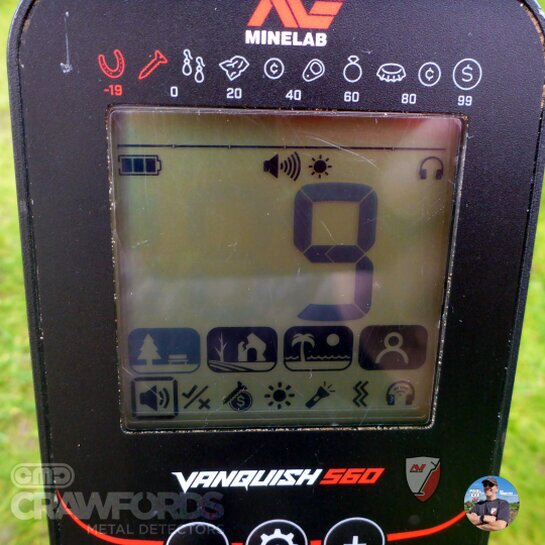
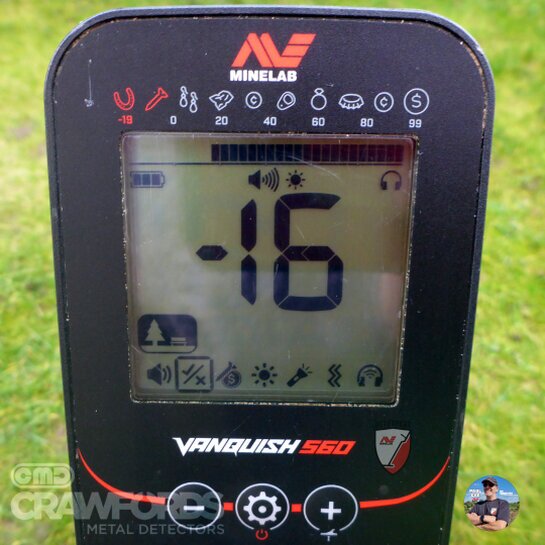
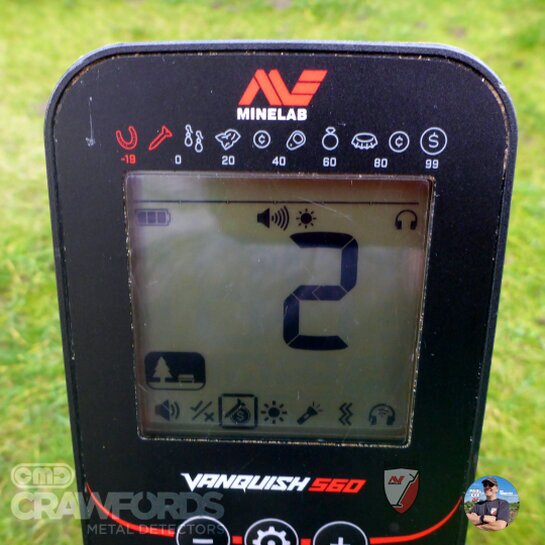
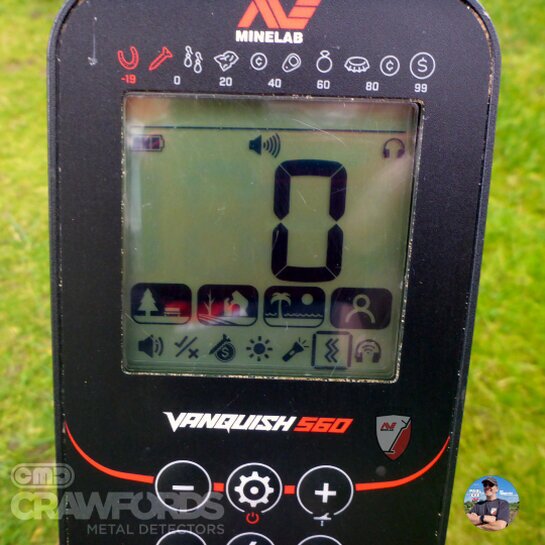
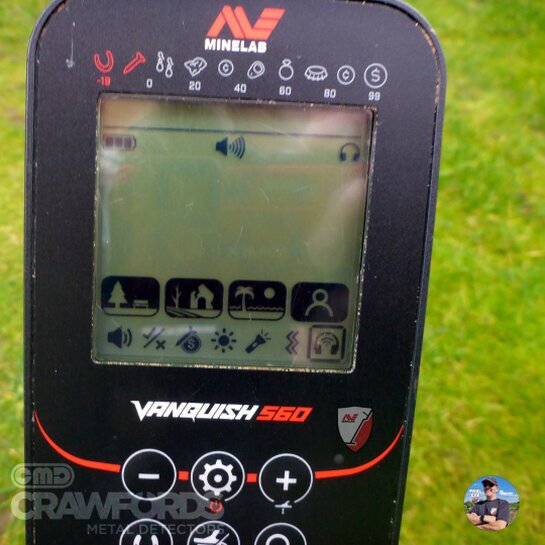
VANQUISH 560
The Ultimate Beginner’s Field Guide
Welcome to the definitive guide for the Minelab Vanquish 560. Whether you are unboxing your machine for the first time or looking to sharpen your field skills, this guide—created by Minelab Detexpert Paul Cee—is designed to turn confusing numbers into treasure in your pouch.
💡 Paul Cee’s Golden Rule
"A quiet machine is always more efficient than a noisy one. Never chase high sensitivity if it causes chatter—you’ll only end up missing the very targets you're looking for."
📊 Sensitivity
Higher sensitivity increases "reach," but amplifies ground noise. If the machine chatters, it drowns out the tiny whispers of deep targets.
🧲 Discrimination
This filters out "junk" like nails. Be careful: blocking iron can "mask" a silver coin if it's sitting right next to a rusty nail.
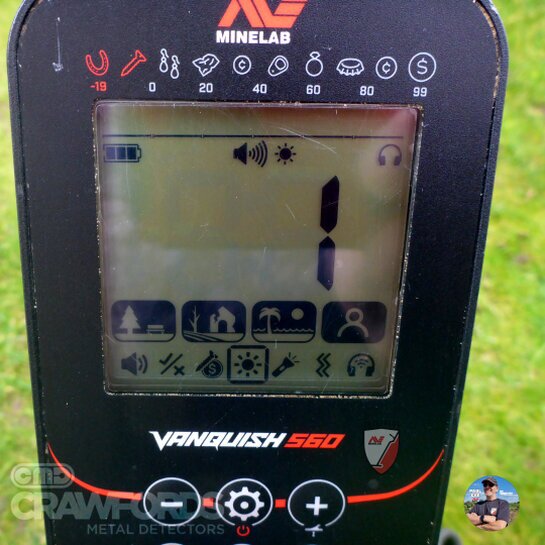
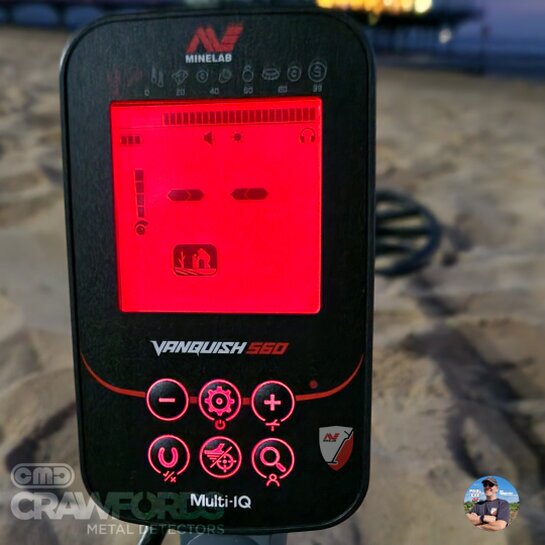
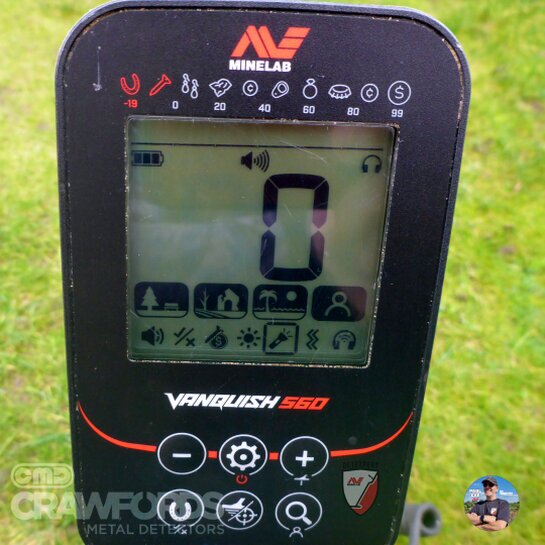
Interface Visualizer
Hover/Tap screen icons to understand the LCD layout
Target ID
The main digital readout. Silver and coins show higher numbers.
Depth
Shows how deep you need to dig. Fewer arrows mean a shallower find.
Button Navigation
Select a button
Click any button on the pod to see its primary use.
Expert Shortcut: --
The 7-Step Logic
Settings Navigator
Master Volume
Your Setup Checklist
Target ID & Tone Spectrum
Audio Tone Pitch
Select a zone above
Click a bar in the chart to see common UK finds for that range.
Crawfords Metal Detectors • Paul Cee Expert Series
Authorized Minelab Dealer • UK Stock • Free Delivery over £50
🔥 Save MONEY on Accessories
Buying a new coil, bag, or digging tool? Use my code at Crawfords MD for an exclusive discount!
Valid Online, In-Store & by Phone.
(Applies to accessories only. Excludes metal detectors.)