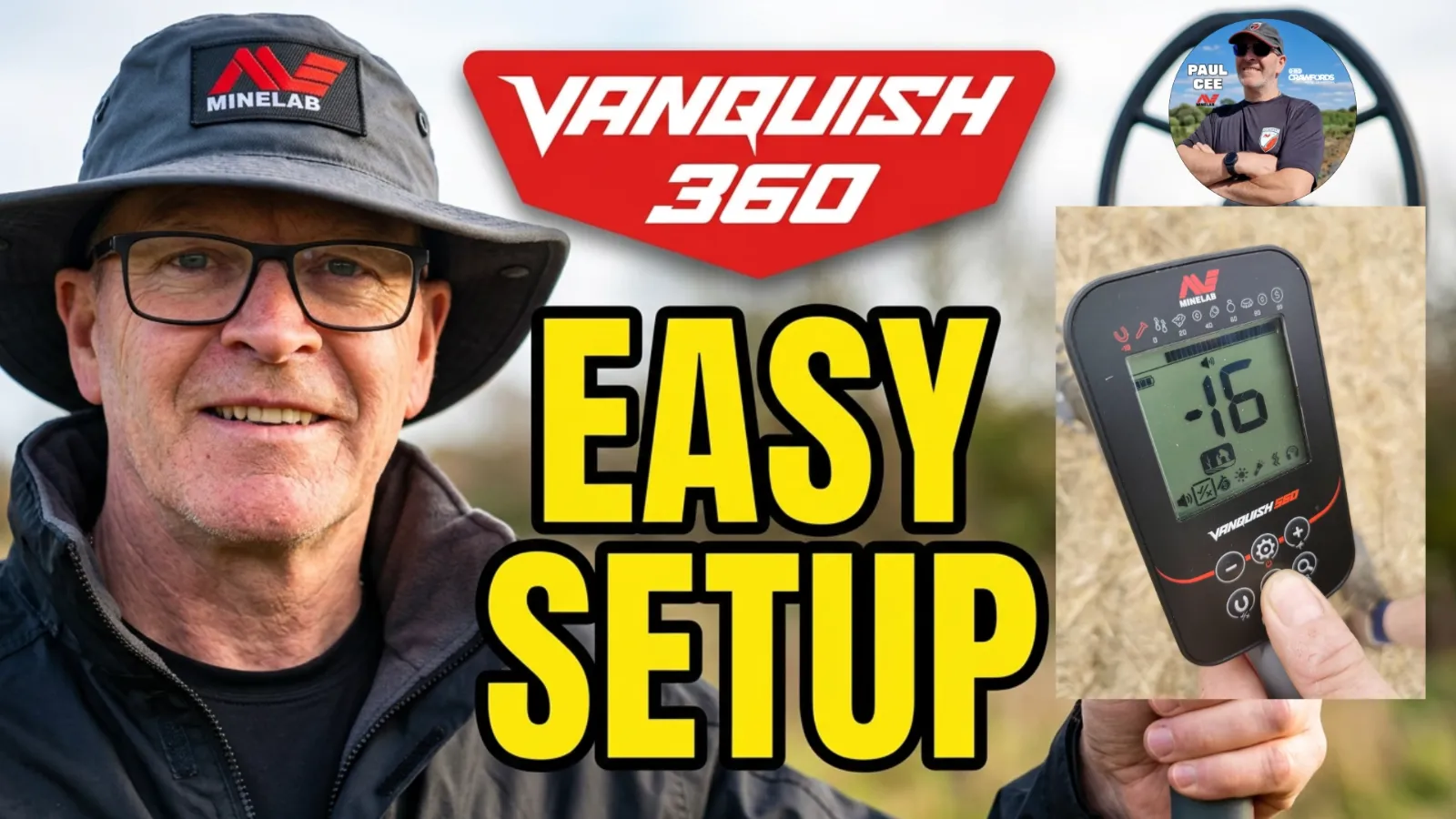
Affiliate links Product links go to Crawfords Metal Detectors and earn Paul a commission at no extra cost to you.
 minelab-vanquish-60-series-field-guide
Getting a new metal detector out of the box and onto your first permission is always a start to a new adventure, whether you have picked up the Minelab Vanquish 360, 460, or 560. Because the 60 Series packs simultaneous Multi-IQ technology into an accessible, waterproof control box, it is ready to perform straight away—provided you get the fundamentals correct.

Having worked with Minelab machines in the field for years as an official Minelab Detexpert, I see the same four habits separate newcomers who get frustrated by random beeps from detectorists who consistently pull great finds:
- keeping the coil low and overlapping
- Treating Target ID as a clue rather than a verdict.
- Changing sensitivity to suit the ground.
- Getting your audio sorted.
Here is my practical, field-tested breakdown to help you START get the absolute best from your Vanquish 60 Series.
What Can You Actually Find with a Vanquish 60 Series?
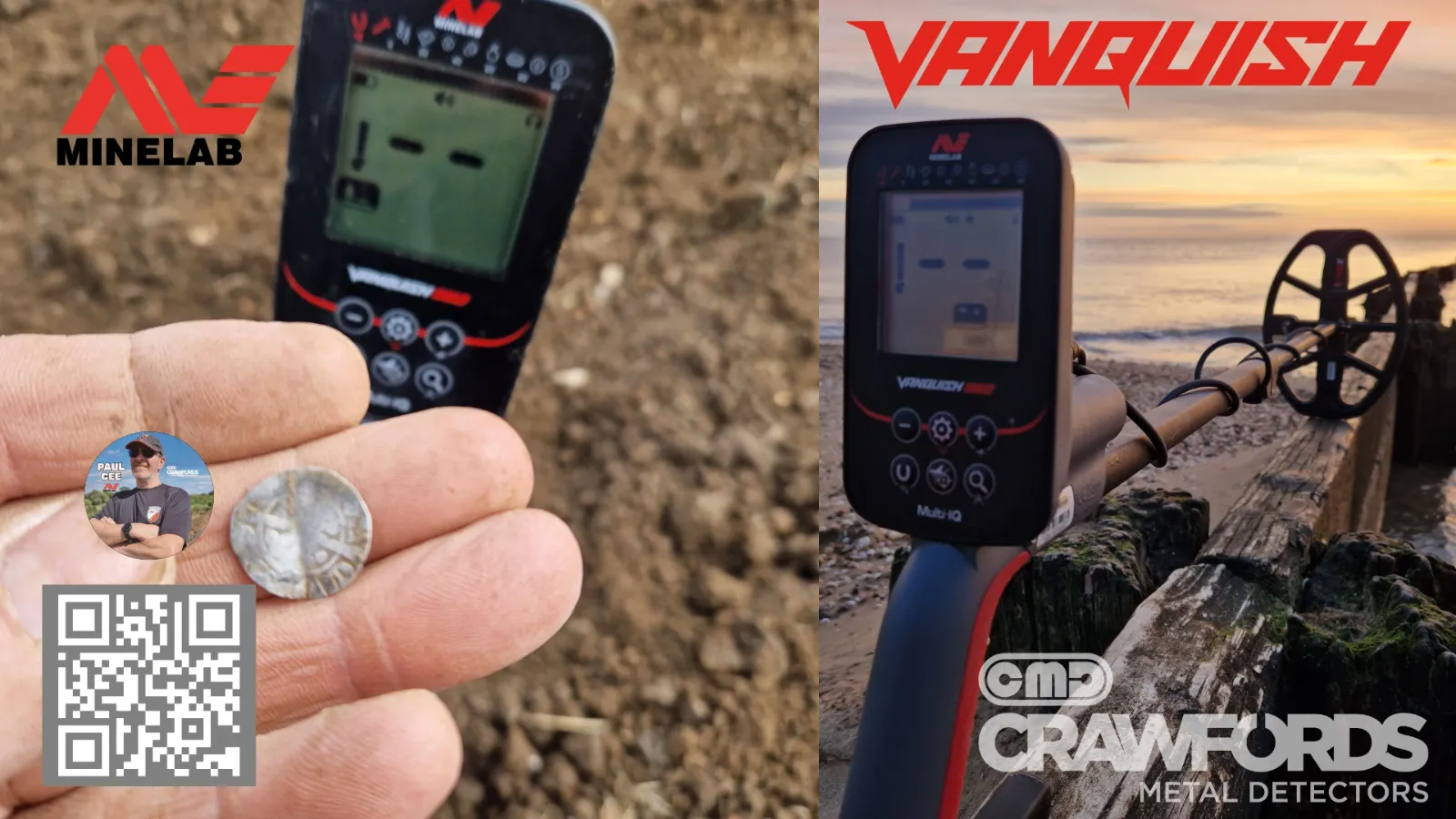
A common question from new owners is whether an entry-to-mid-level machine can genuinely compete on older UK ground. The short answer is yes—Multi-IQ processes multiple frequencies at the exact same time, meaning the Vanquish sees both tiny, low-conductive targets and deep, high-conductive silver in a single sweep.
On typical UK pasture or freshly rolled arable land, a properly swung Vanquish 60 Series is more than capable of uncovering:
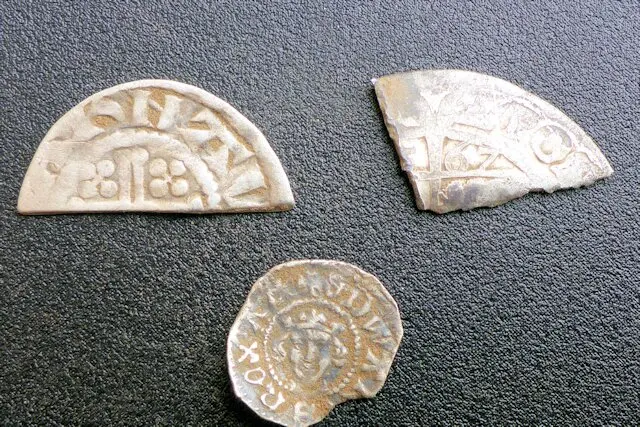
- Medieval Hammered silver coins and Roman Coins
- Medieval belt buckles and Strap ends
- Lead pilgrim's ampullae (Medieval vessels that once carried holy water)
- Crotal bells ("Ringers") lost from livestock or carts 200–300 years ago
- Roman brooches
- And Anything Else Metal From Any Age
Where to Start & UK Legalities
If you are completely new to the hobby, start in your own back garden to learn how the machine reacts to different metals and how to cut a neat plug. From there, look for permissions on local pasture, horse paddocks, or freshly ploughed and rolled arable fields.
Always follow the Code of Practice for Responsible Metal Detecting in England and Wales. If you uncover anything that may qualify as treasure under the Treasure Act 1996 (such as two or more precious metal coins over 300 years old, or single gold/silver artefacts of age), you have 14 days to report it to your local Finds Liaison Officer (FLO) through the Portable Antiquities Scheme. Even for non-treasure historical finds, recording them helps build the archaeological map of our local landscapes.
Mastering Your Coil Swing Technique
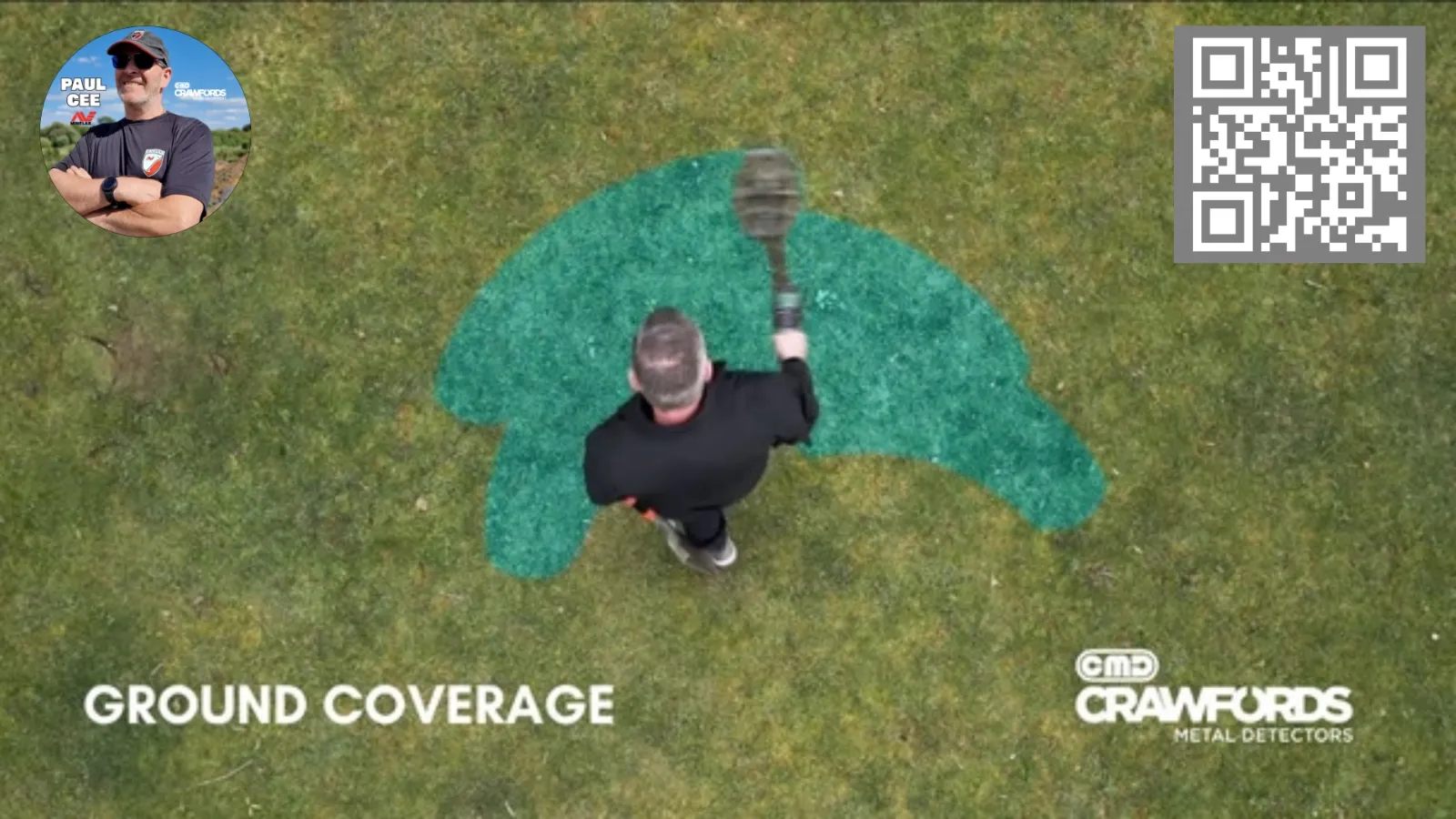
Your settings only work as well as your swing. A motion detector needs steady movement across the ground to generate a clean signal, and rushing your sweeps is the fastest way to walk straight over deeper targets with a faint audio sound.
- Keep the coil parallel and low: Keep the search coil skimming just above the grass or soil. Do not worry about scuffing the underside—that is precisely what the replaceable skid plate (coil cover) is designed to protect. Avoid "golf-swinging" (lifting the coil at the end of each arc), as you lose vital inches of depth at the edges of every pass.
- Overlap every sweep by 50%: Think of detecting like spray-painting the ground. Because the detection field narrows towards the bottom tip of the coil's cone, overlapping each forward step ensures you leave zero blind spots behind.
- Slow down: Covering an acre methodically beats sprinting across ten acres. If a site is littered with iron, slowing your sweep speed allows Multi-IQ to separate a good non-ferrous signal sitting right next to a rusty nail.
- Secure your coil cable: Wrap the cable snugly up the lower and middle shafts with zero slack at the bottom. A loose wire swinging near the search coil contains metal and will trigger phantom false signals.
Understanding Target ID (VDI) Numbers
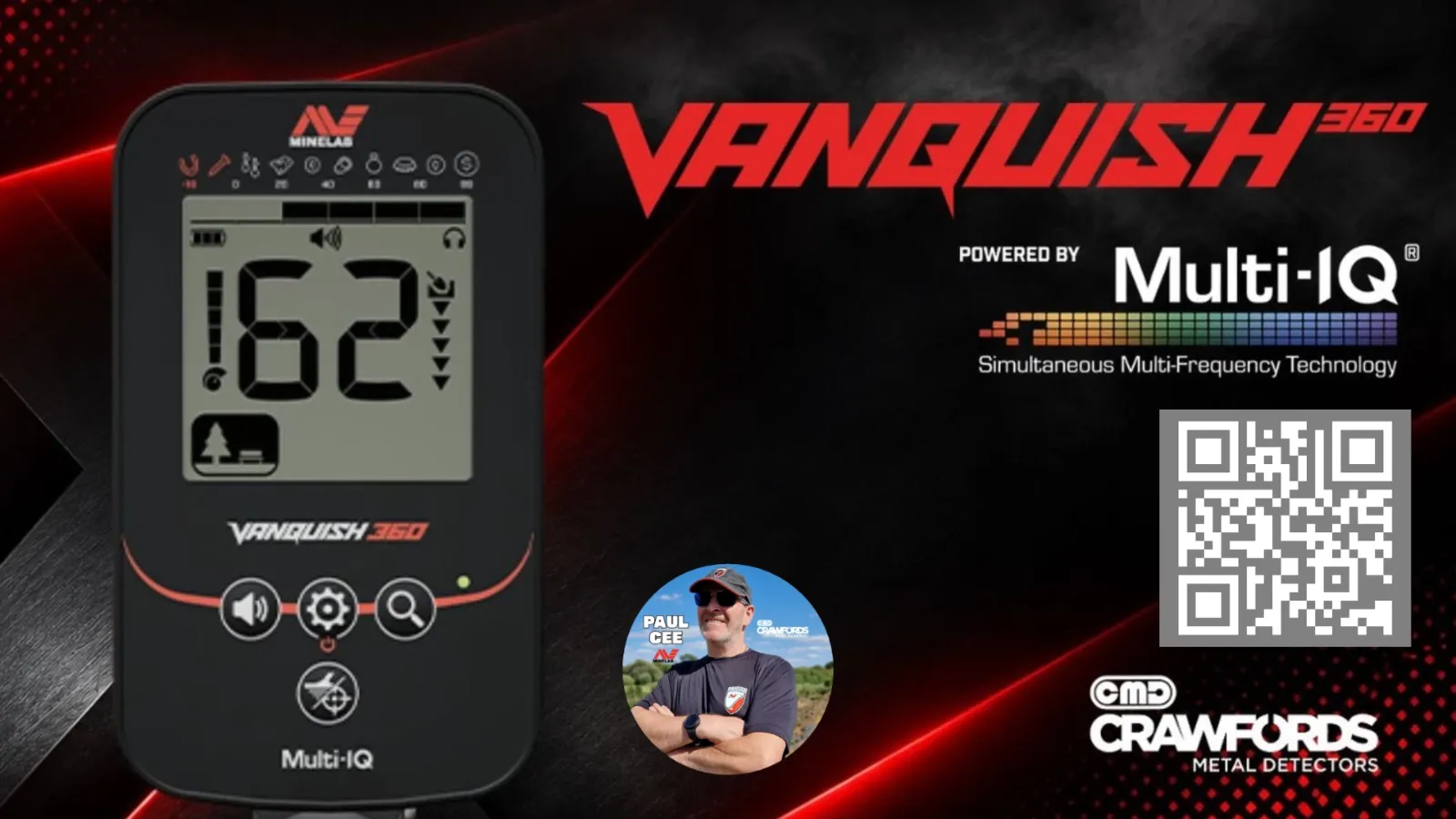
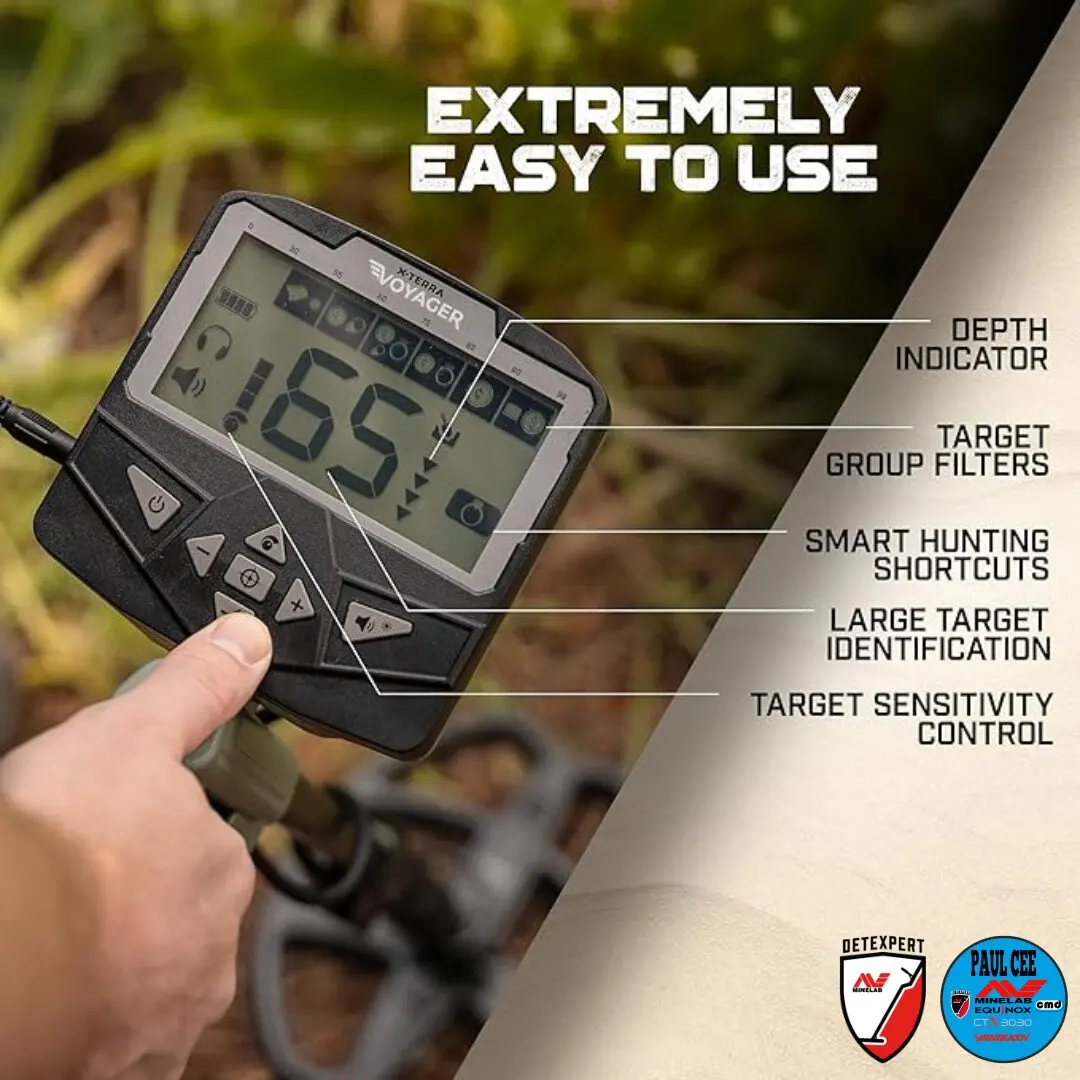
Every target under the coil produces a Target ID number on the Vanquish screen (ranging from -19 to 99 on the 60 Series, with negative numbers indicating ferrous iron).
While low positive numbers generally point to low-conductive targets (like foil, thin hammered coins, or small gold) and high numbers indicate high-conductive metals (like large copper pennies or chunky silver), Never Rely on the number alone.
A detector does not read a coin in a vacuum; it reads the target PLUS the surrounding soil mineralization, moisture level, and target depth. Gold, for instance, can register anywhere from the single digits right up into the high 80s or 90s depending on its size and alloy.
Field Rule of Thumb: Treat the Target ID screen as a secondary clue, not the final judge. If the audio tone is crisp, repeatable from two angles (the "90-degree turn test"), and pulls your attention—dig it, regardless of whether the number bounces slightly.
Setting Sensitivity for Ground Conditions
Sensitivity controls how strongly the Vanquish Amplifies weak signals coming back from the ground. Many beginners crank sensitivity to maximum straight out of the box thinking it automatically adds depth—but in reality, running too "HOT" on mineralized soil or near overhead power lines does the exact opposite.
Think of sensitivity like turning up the volume on an old vinyl record: turn it up too far and the background crackle drowns out the music. On your detector, excessive background chatter masks the faint, whispering signals of deep targets.
- Vanquish 460 & 560: Feature a 10-level sensitivity scale.
- Vanquish 360: Features a 5-level sensitivity scale.
How to tune it on THE FIELD: Start at the default setting. If the machine chatters constantly when the coil is held steady just above the ground, drop the sensitivity down one or two notches until the threshold settles into a calm, quiet hum. A quiet machine lets genuine targets jump out cleanly.
Headphones & Wireless Audio Setup
Detecting through the built-in speaker is fine in a quiet garden or a quiet location, but wind noise and ambient sounds will easily mask faint, deep signals out in open fields or on the coast. Good headphones are essential.
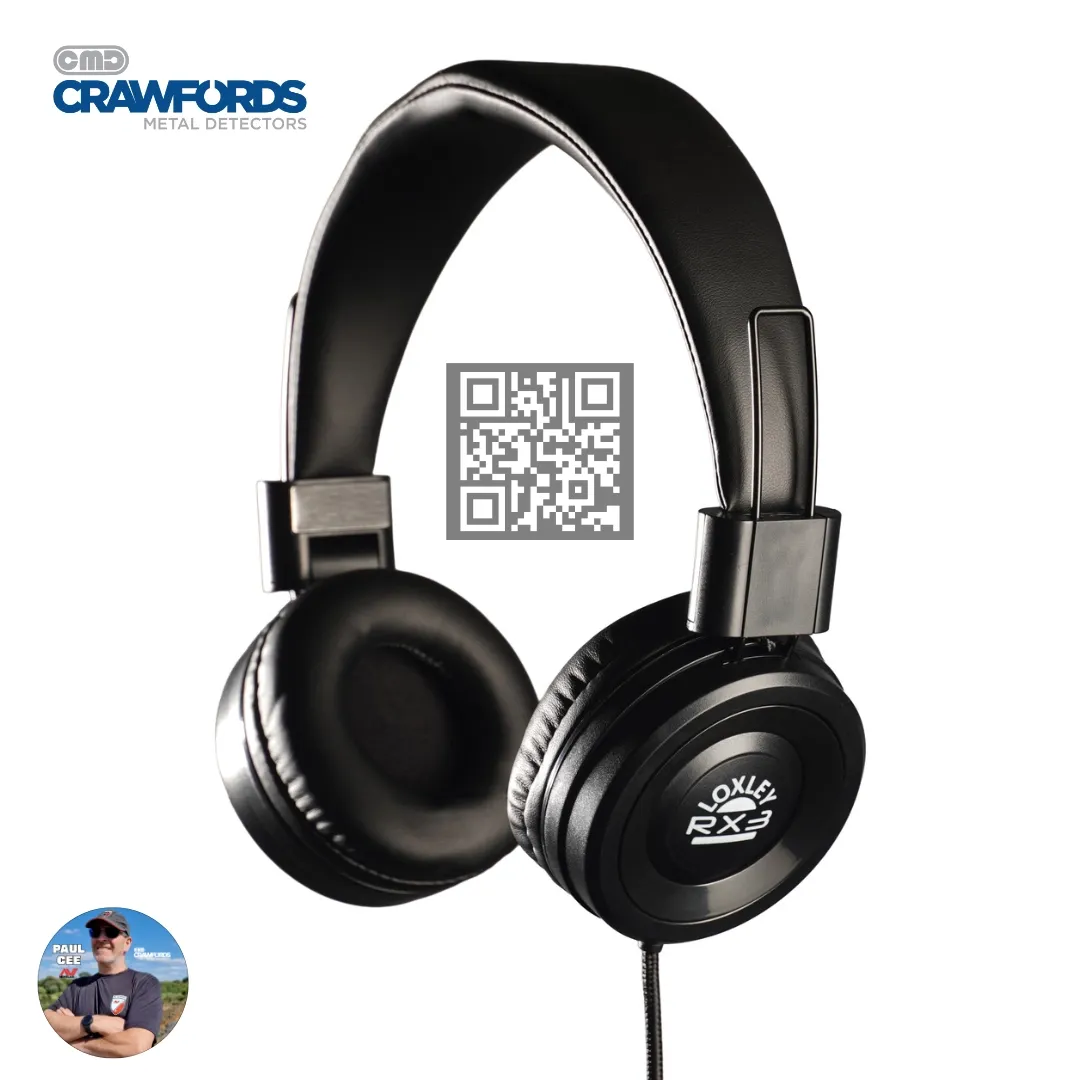
- Wired Headphones (360, 460, and 560): Every Vanquish 60 Series model includes a standard 3.5 mm (1/8-inch) headphone jack (Located inside the screw on cover on the BACK of the CONTROL BOX), allowing you to plug in any reliable pair of wired headphones.
- Bluetooth LE Wireless Audio (460 and 560): Both the 460 and 560 support low-latency Bluetooth LE wireless audio, freeing you from cables snagging on brambles or digging tools. (Note: The Vanquish 360 is wired-audio only).
How to Pair Minelab ML-60 Wireless Earbuds
If you are using the **Minelab ML-60 earbuds** (included with the Vanquish 560 or available separately for the 460):
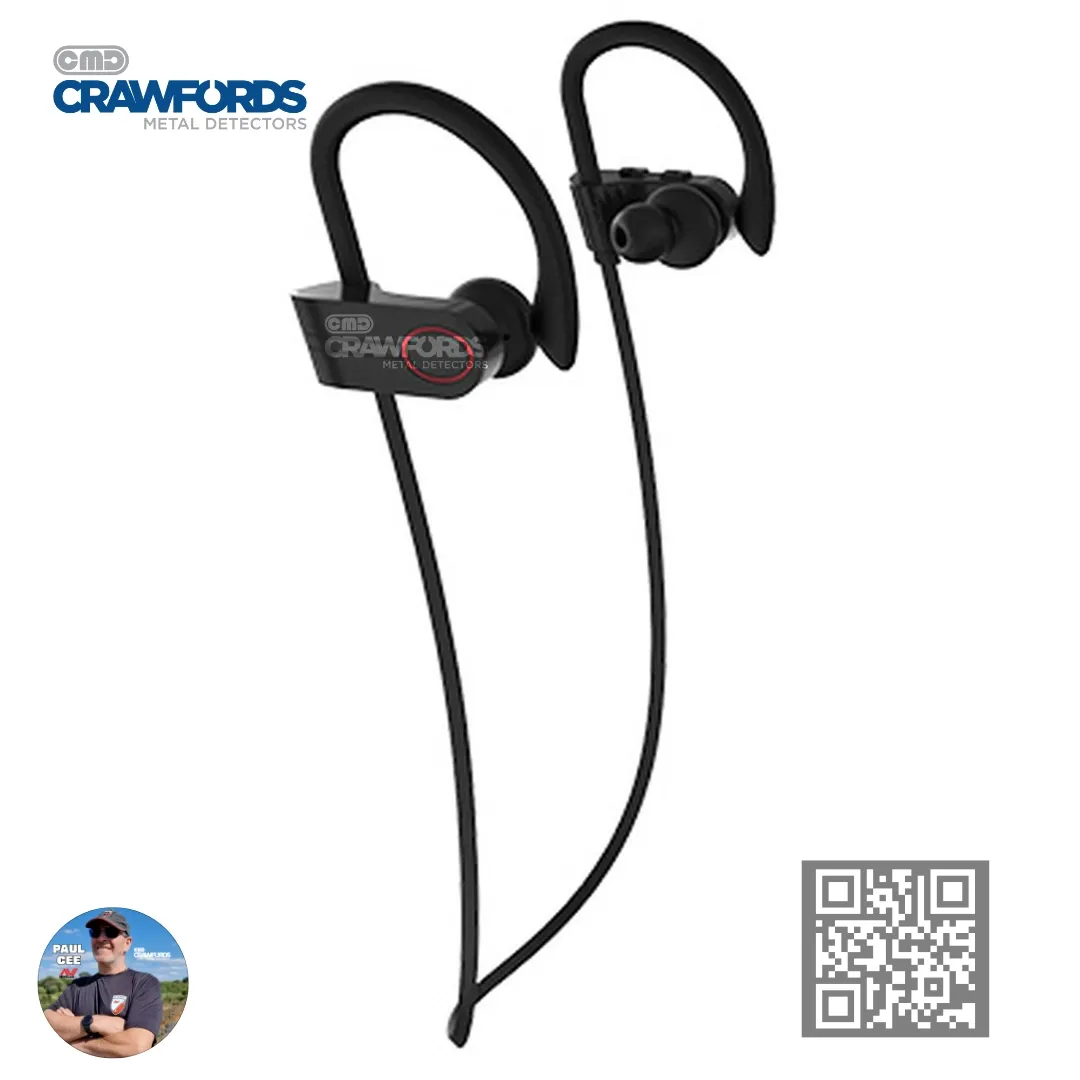
- Press and hold the power/pairing button on the earbuds until the LED flashes Red and Blue.
- On your Vanquish control box, press the Settings (cog) button until the headphones icon flashes on screen.
- Press the Plus (+) button and wait roughly 7 seconds. Once paired, the flashing LEDs will settle and audio will route straight to your ears.
- To disconnect and return to speaker audio, navigate back to the headphones icon and press the Minus (-) button.
A Note on Waterproof Detecting
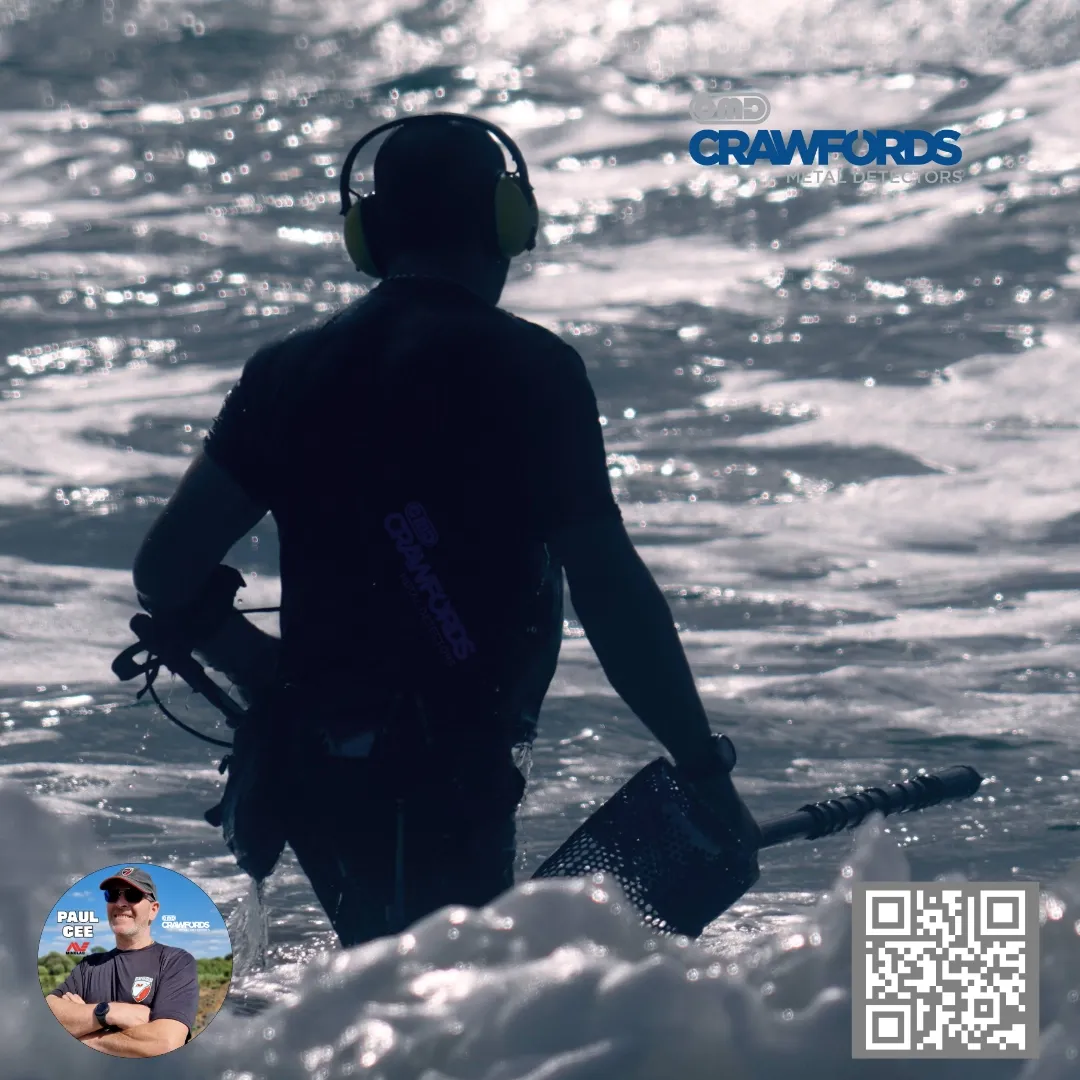
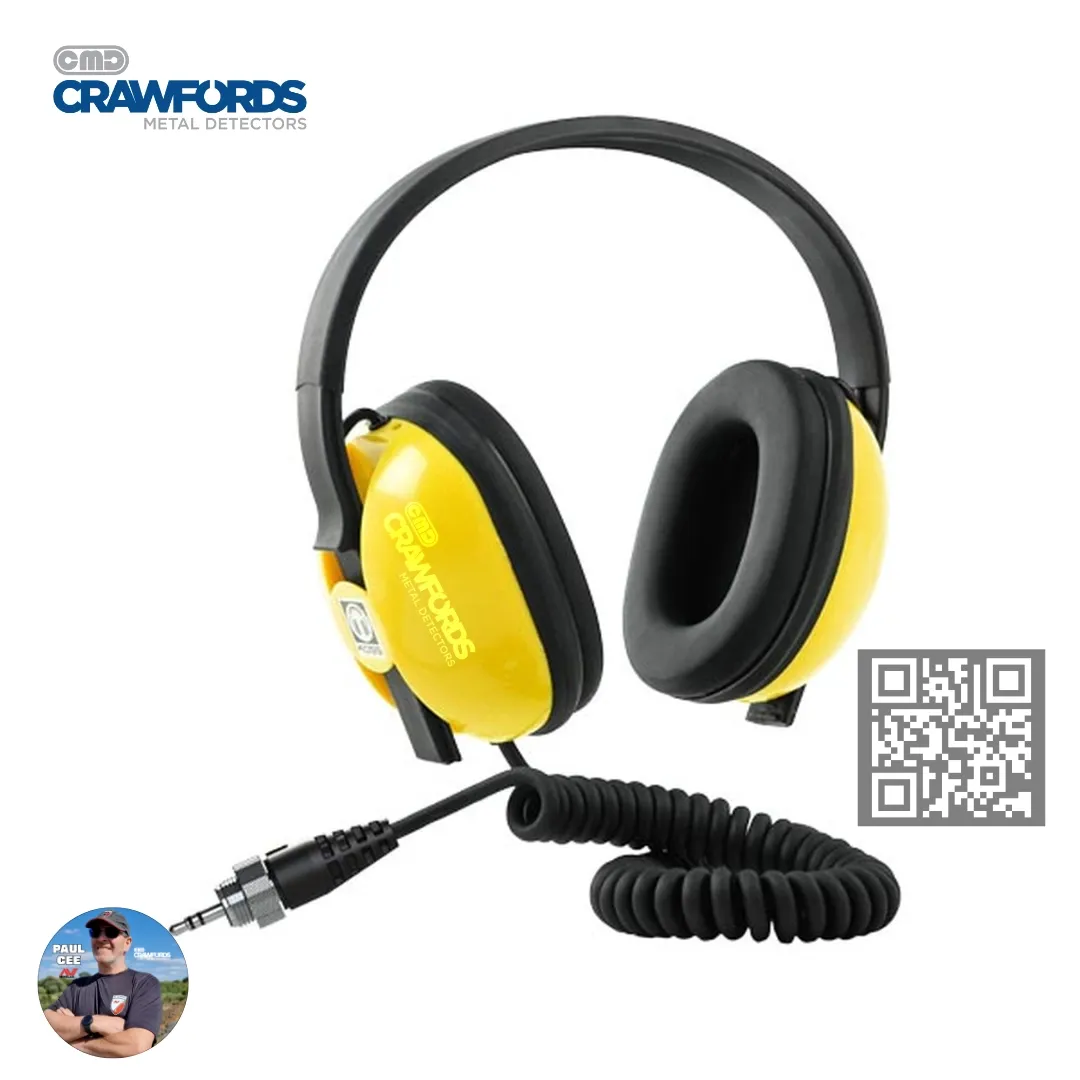
All three models in the Vanquish 60 Series carry an IP68 waterproof rating down to 5 metres (16 feet), making them ideal for wet sand, shallow surf, and river wading. However, standard wireless earbuds and regular wired headphones are NOT SUBMERSIBLE. If you plan on submerging the control box, make sure you switch to dedicated waterproof headphones rated for underwater use and if you have removed the Headphone Cover screw Then Replace it back in the opening.
Frequently Asked Questions (FAQ)
What Are the Target ID Numbers on the Minelab Vanquish 60 Series?
The Vanquish 360, 460, and 560 use an expanded Target ID scale from -19 to 99**. Numbers from -19 to 0 represent FERROUS IRON, while 1 to 99 indicate NON-FERROUS targets ranging from low conductors (foil, small gold, thin hammered silver) to high conductors (large copper and silver coins).
Why is my Vanquish beeping randomly when I swing it?
Random chatter usually comes from sensitivity being set TOO HIGH for the local ground mineralization, electromagnetic interference (EMI) from nearby fences or power lines and if inside or near your house this is also an area of High EMI, or a loose coil cable flapping near the search coil. Tighten the cable around the shaft and reduce sensitivity by one or two levels until the detector runs quietly.
Are all Minelab Vanquish 60 Series detectors waterproof?
Yes. The Vanquish 360, 460, and 560 are all fully waterproof to 5 metres (IP68), meaning you can rinse them clean with fresh water after a muddy session or detect in the water (After use in SALTWATER ALWAYS CLEAN WITH FRESH WATER). Just remember to use waterproof-rated headphones if you are submerging the Vanquish.
Can I connect wireless headphones to the Vanquish 360?
No. The Vanquish 360 only supports wired headphones via its 3.5 mm audio socket. Built-in Bluetooth LE wireless audio is available on the Vanquish 460 and Vanquish 560.
Buy at Crawfords MD
Vanquish 60 series
Check price & stock- Compare at Crawfords
- Vanquish 460
- Vanquish 560
- Vanquish 560 Pro-Pack
Want to see the Vanquish 560 and Manticore in action out in the field?
Head over to Our Paul Cee Detecting YouTube Channel for Vanquish 60 practical setup and detecting tips.
Gear mentioned in this article (Crawfords MD)
Buy at Crawfords MD
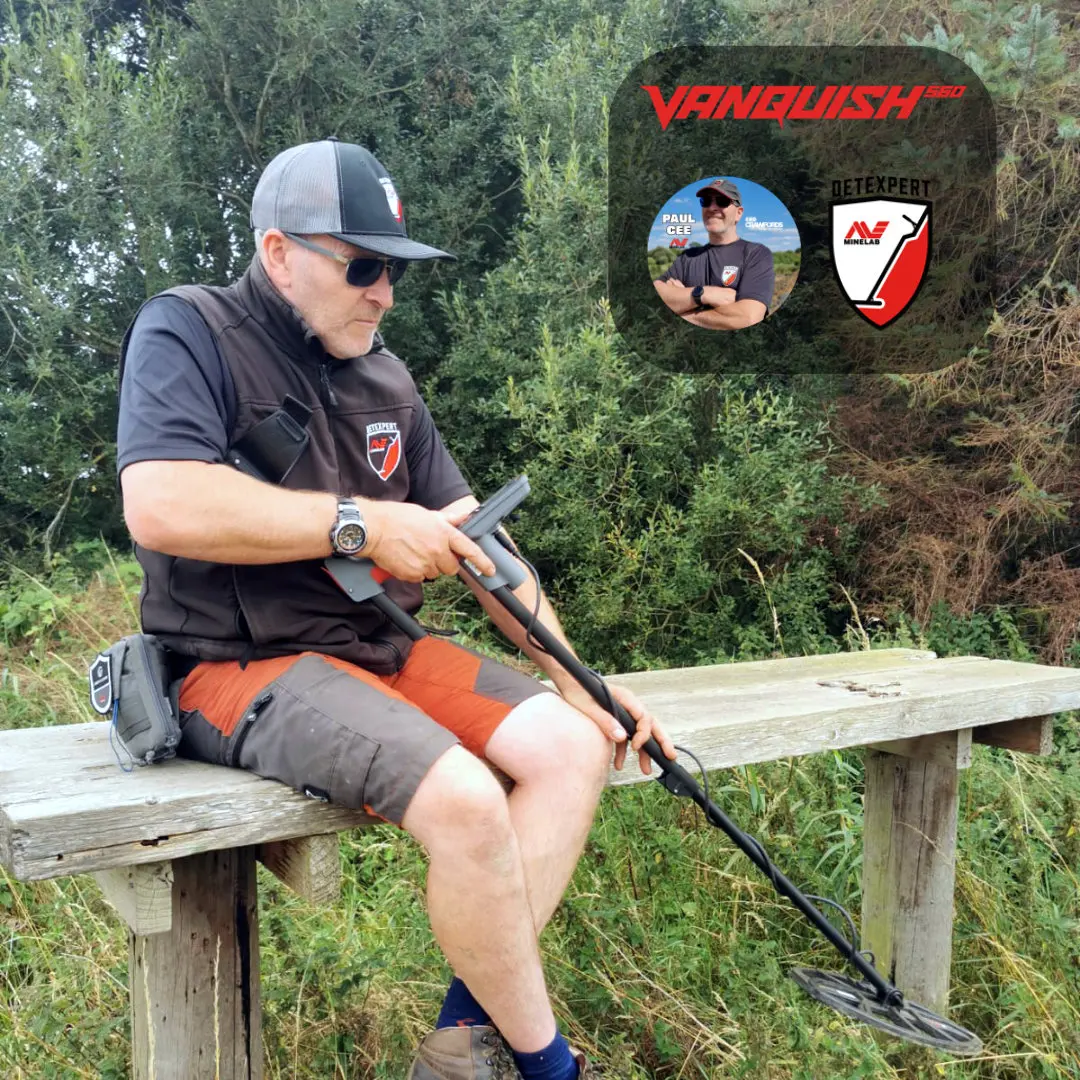
Minelab Vanquish 560 Pro
Check price & stock- Compare at Crawfords
- First look: Vanquish 560
Buy at Crawfords MD
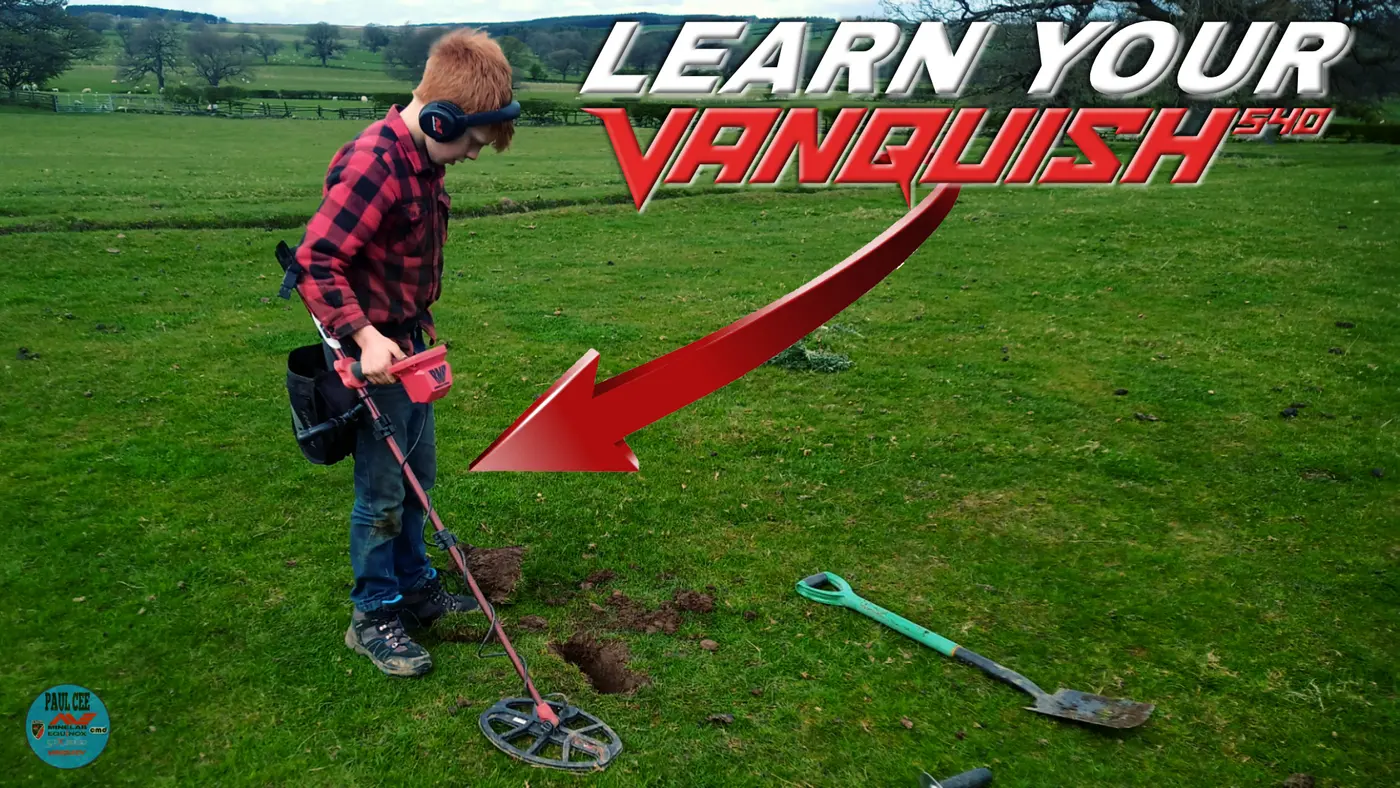
Minelab Vanquish 540 Pro
Check price & stock- Compare at Crawfords
- 540 vs 560: what changed

About the author
Minelab Detexpert, field tester and Crawfords Metal Detectors ambassador. Paul posts a new detecting video most weeks and prefers the beach. The finds are younger, but old coins tend to come out in better condition.